

Email bridge
Email lands in the chat
Forward a project email to its portal address and it arrives in the chat as a card, with the sender and the thread intact. No screenshots, no quoting emails back and forth.
Client portals, without client signup
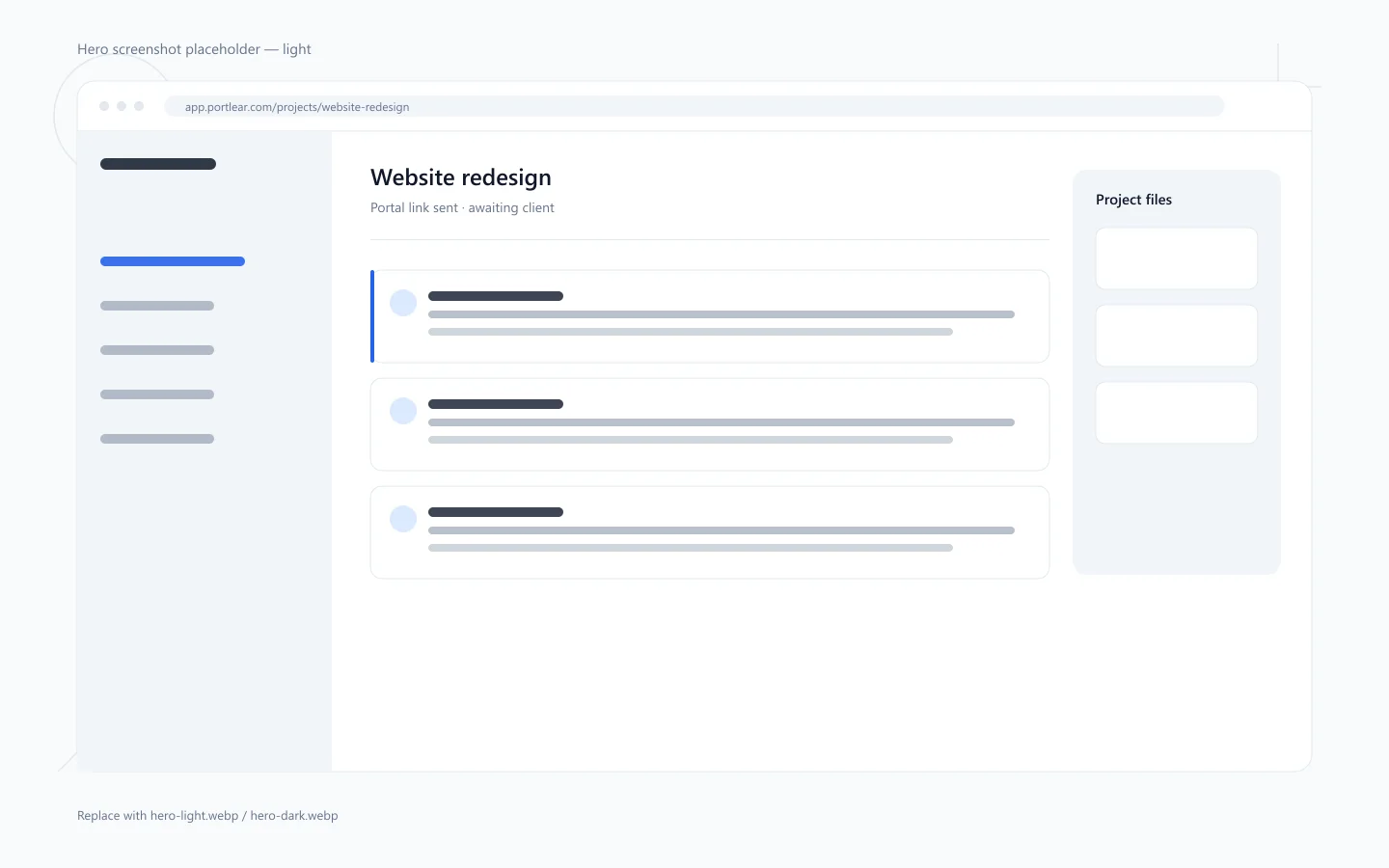
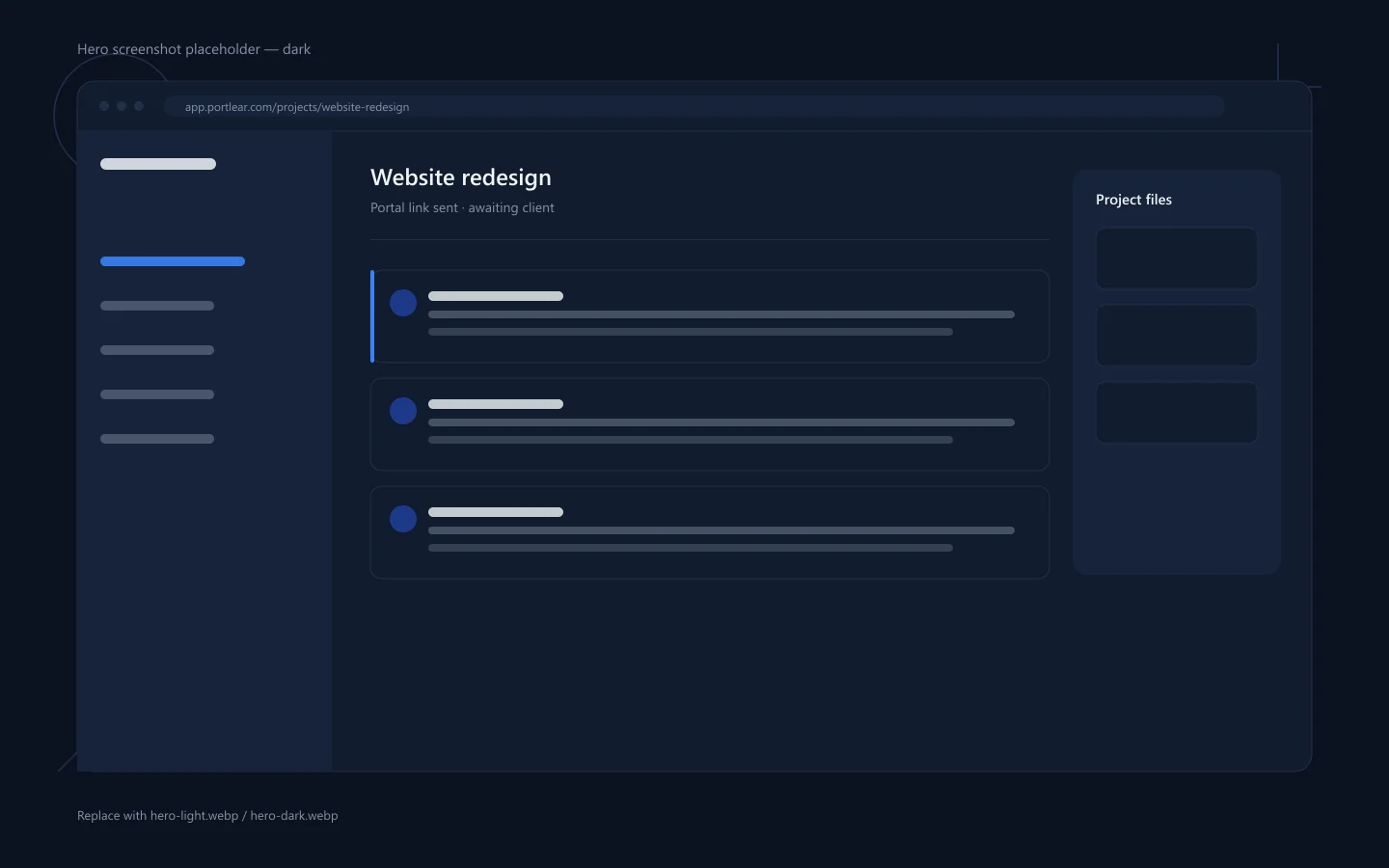
Every project gets a client portal with no client signup. Emails arrive in the chat, files get approved, and invoices go out with a payment link.
Features
Emails, files, approvals and invoices share one timeline. No client signup, no extra tools, nothing to chase.
Email bridge
Forward a project email to its portal address and it arrives in the chat as a card, with the sender and the thread intact. No screenshots, no quoting emails back and forth.
Pinned feedback
Clients pin feedback to the file or page they are looking at, so every note stays next to the thing it is about instead of scrolling away in a thread.
Approvals
Send a file for approval and your client approves it or asks for changes in one step. The decision is recorded against the file, so it never has to be chased through email.
Portal access
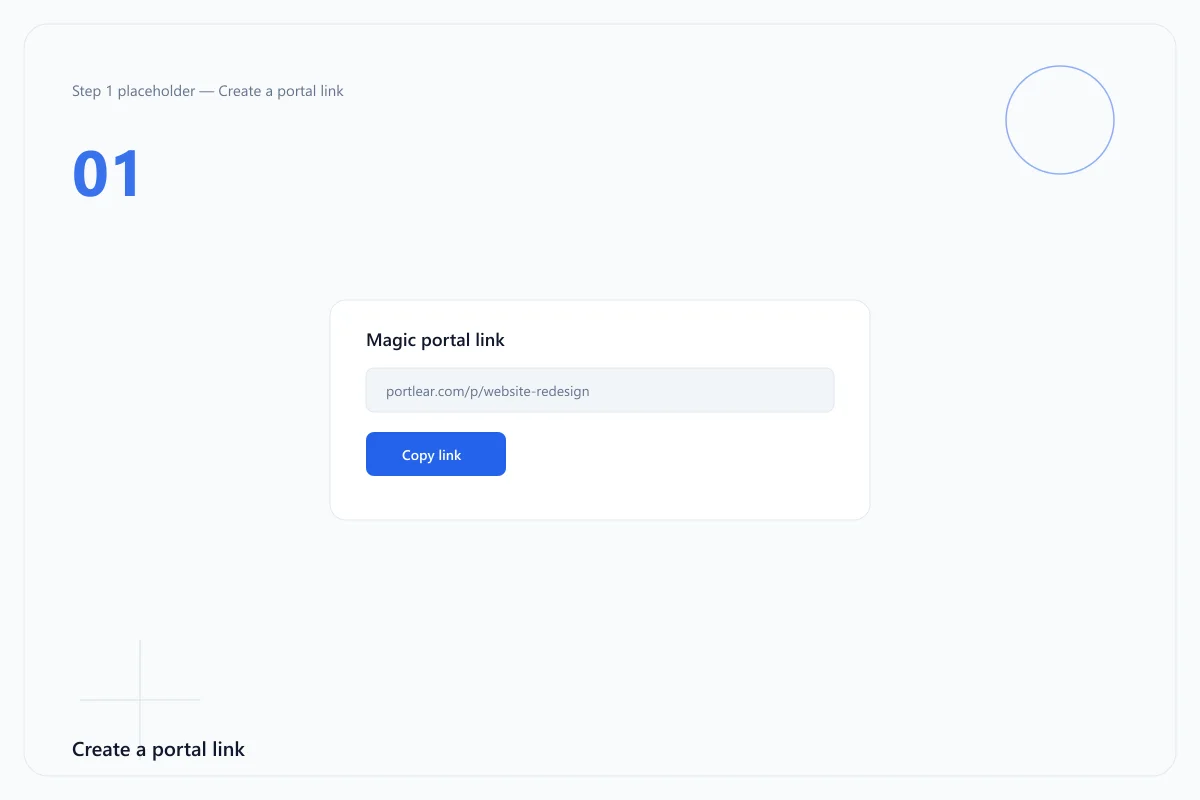
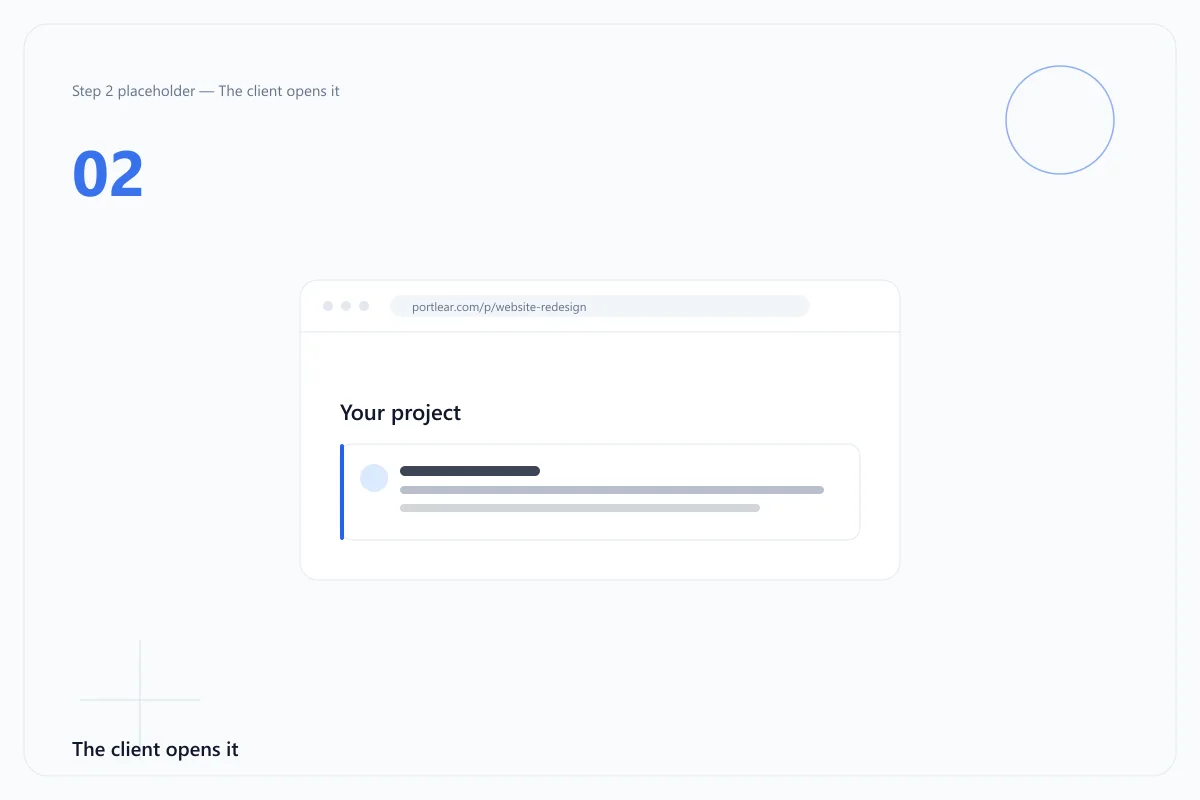
Every portal opens with a magic link: your client clicks and they are in, with no account to create and no password to forget. Links expire when you decide they should.
One timeline
Messages, files and invoices share the same chat, so a project reads as a single conversation rather than six email chains and a drive folder.
Included from Free upwards unless a plan is named.
Choose an expiry up to 90 days on paid plans, then issue a new link when you need one.
Queue a notice for a date instead of remembering to send it, so nothing slips while you work.
Send an invoice with your logo and details, paid through the payment link your client already has.
Forward project mail to the portal address and it lands in the chat as a card, sender intact.
Connect a domain on Ultra and messages arrive at your project address without forwarding.
Present the portal under your own brand, with your colours and your own domain on the link.
$0 / month $0 / year
Free forever Free forever
One or two clients, a few projects, everything you need to hand work over.
$5.99 / month $50 / year
Billed monthly Billed once a year — save 30%
For freelancers running several projects at once, with the email bridge included.
$12.99 / month $110 / year
Billed monthly Billed once a year — save 29%
For studios that need their own email domain and a white-label portal.
| Feature | Free | Pro | Ultra |
|---|---|---|---|
| Monthly price | $0 | $5.99 / month | $12.99 / month |
| Annual price | $0 | $50 / year | $110 / year |
| Projects | 10 | 30 | Unlimited |
| Storage | 5 GB | 25 GB | 50 GB |
| Invoicing | Included | Included | Included |
| Pinned feedback | Included | Included | Included |
| Scope-change requests | Included | Included | Included |
| Portal links | 4 | 15 | Unlimited |
| Max link expiry | Default | 90 days | 90 days |
| Scheduled notices | Not included | Included | Included |
| Invoice branding | Not included | Included | Included |
| Email bridge: forwarding mode | Not included | Included | Included |
| Email bridge: domain mode | Not included | Not included | Included |
| White-label portal | Not included | Not included | Included |
| Large-file expiry threshold | 5 GB | 5 GB | 7 GB |
No. Each project has its own portal link: the client opens it and they are in. There is nothing to sign up for, no password to reset, and nothing to install.
Forward project email to the portal address, or connect your own domain on Ultra, and the message arrives in the project chat as a card with its sender and thread attached.
You can create an invoice in the project and send it with a payment link. Payment itself is completed with our payment provider, not inside Portlear.
You choose the expiry when you create the link, up to 90 days on paid plans. Once it expires the link stops working and you can create a new one.
Send a file for approval and the client either approves it or asks for changes. The decision stays attached to the file, so you can point to it later.
Yes. Free covers 10 projects, 5 GB of storage and 4 portal links. Paid plans add more projects and storage, scheduled notices, invoice branding and the email bridge.
Subscriptions are sold and processed by Paddle, our Merchant of Record. You can cancel at any time, and refunds are covered by our refund policy.